Patterns
A pattern is a rule that gives an object its Storage Class and other attributes from its name, at the moment when that name appears.
What it is
A pattern is a cluster-wide rule kept by the Master Server and managed with the mfspatadmin tools. A pattern pairs a name to match with what to assign. A pattern can assign a Storage Class, how long a deleted object stays in the trash, extra attributes, or several of these at once. Names are matched with the wildcards familiar from a shell. These wildcards match any run of characters, a single character, one character out of a set or a range, or one character outside either.
A pattern is matched against the name of an object alone, never against the path of its directory. One rule therefore applies to the whole file system and cannot be confined to a subtree. A pattern can instead be narrowed to the user who creates the name. You can narrow the pattern to an effective user ID, to one of the user's groups, or to both.
Several patterns can match the same name, so each pattern has a priority. The highest priority wins.
Why it matters
Without patterns, the policy of a new file comes from the directory that it is created in, so the policy follows the shape of the tree. Patterns let the policy follow the name instead. In practice, data is often organized by name. A rule on *.mp3 gives every new track the class that keeps the music on the servers with the big slow disks. The rule applies whether the track is created in somebody's home directory or in an import folder that nobody has created yet. A rule on *.tmp does the opposite for scratch files. That rule assigns a class that keeps a single copy, and a trash retention measured in hours rather than days. Each rule is written once, so nobody has to remember to set a class on a newly written file.
Patterns are also the only mechanism that reconsiders the policy of an object that already exists. Patterns do this when the object is renamed, not on a timer. Renaming session.tmp to session.mp3 puts the file under the *.mp3 rule instead of the *.tmp rule. The Master Server then moves the file's chunks to match.
How MooseFS implements it
An object that is being created first takes the class, the trash retention, and the attributes of the directory that it is created in. A matching pattern then replaces what was inherited. A pattern therefore takes precedence over inheritance, in the same operation that creates the object.
After that moment, nothing re-applies the rules on its own. A class assigned by hand stays. A pattern written later never applies to the objects that are already in the file system. A manual assignment therefore takes precedence over the pattern, but only until the object is renamed. A rename matches the rules against the destination name. The values from the matching rules then replace whatever the object held before. Exchanging two names in a single operation applies no patterns at all. How policies are applied covers what exactly is inherited, how the winning pattern is chosen, how many patterns a cluster holds, and what a rename re-evaluates.
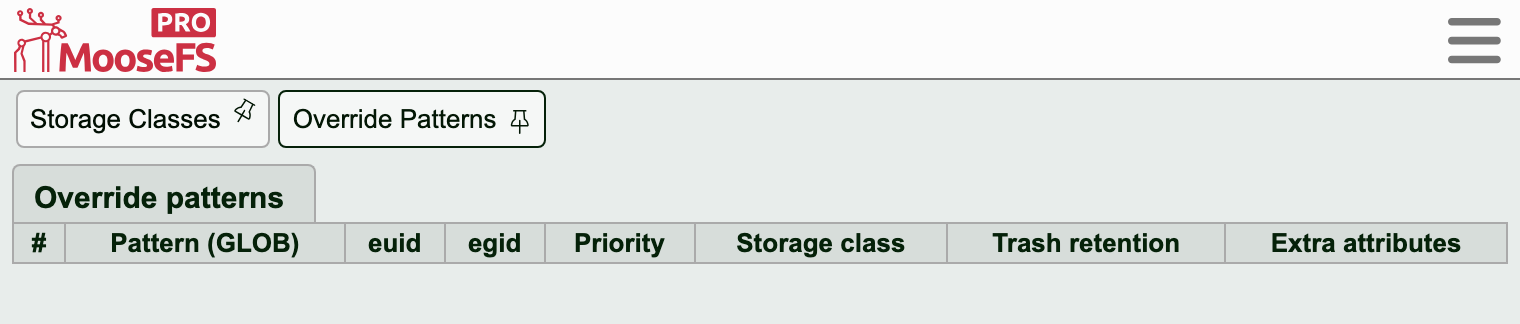
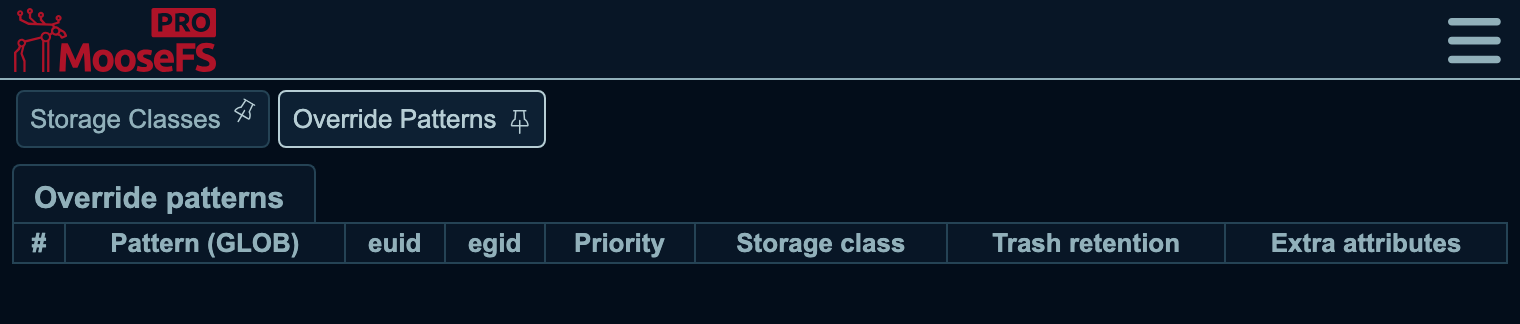
The patterns in force are listed on the Override Patterns subtab of the GUI. The list is sorted by pattern name by default, not by the priority that decides which pattern wins.
A class and a trash retention are given to files and directories. Extra attributes are given to the other kinds of objects as well. Deleting a Storage Class deletes the patterns that assign it.
Related tasks
- Patterns assign a class by file name: creating, listing, and deleting the rules.
Related terms
- Storage Class: the main thing that a pattern assigns, and the policy that a pattern overrides.
- Master Server: the component that keeps the patterns and applies them.
- Metadata and namespace: where the assigned values are kept.